In this exercise, four people will set up the smallest possible mesh: one device at the Base, one up high and one in the field. The person in the field will hide behind an obstacle, where the Base cannot reach them directly. Even so, the message will get through, relayed by the device up high. At the end, you will have seen on the phone screen the path the message took.
Time: about 1 hour 30 minutes · People: 4 · Prior knowledge: having done Set up the first Meshtastic node of the kit and Your first range test with Meshtastic
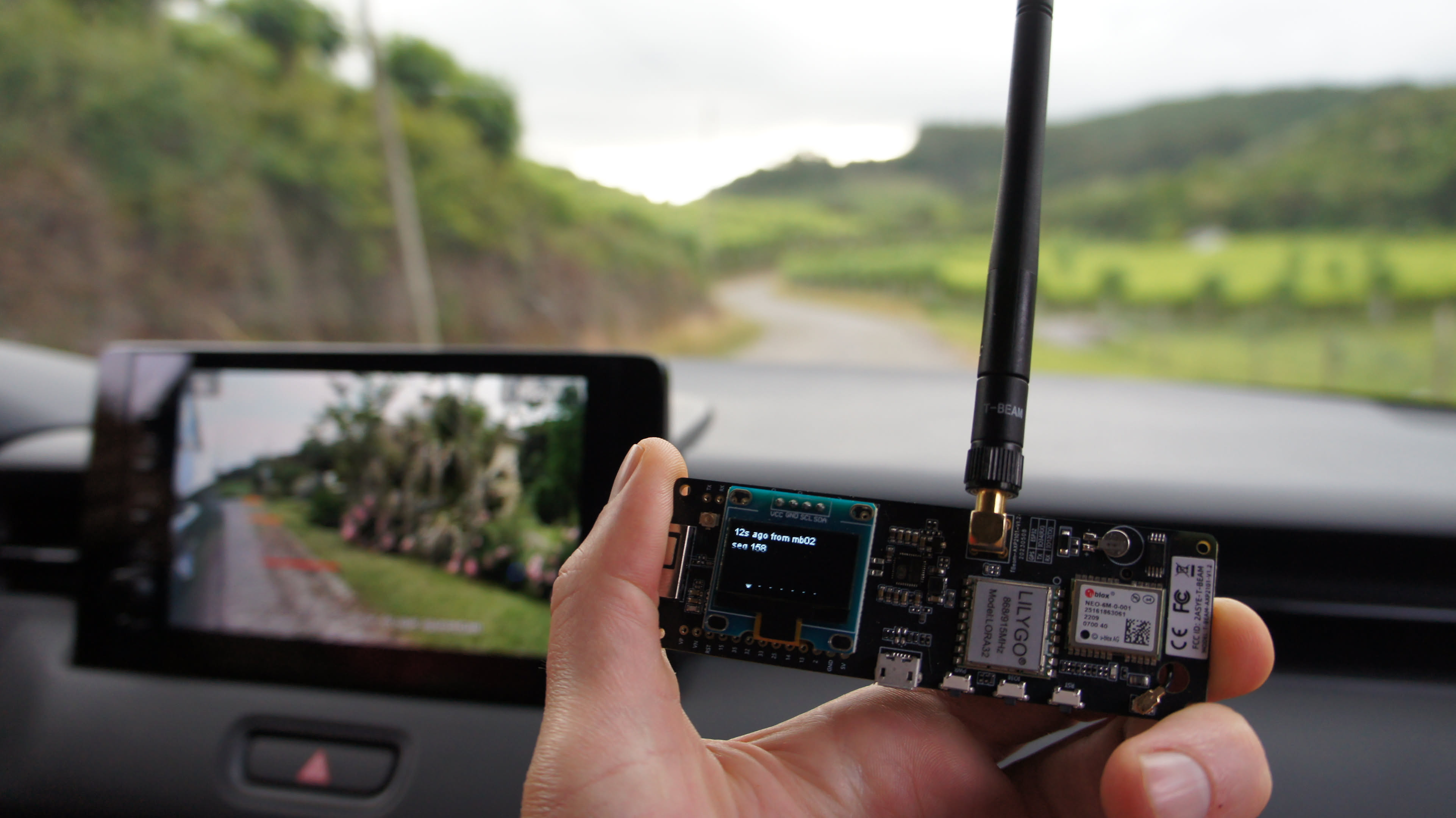
You will need
- three Meshtastic devices set up the same way: same region, same radio mode and same channel;
- three phones with the Meshtastic app;
- a way for the three people to talk, such as licence-free radios;
- a sheet of paper for notes.
1. Understand how the message travels
In Meshtastic, every device that receives a message can relay it. This relay is called a hop. The message leaves with a hop limit, which by default is 3: with each relay, the number goes down by one. When it reaches zero, nobody relays it any more.
Before relaying, each device waits a little. The one that received the weakest signal (the one furthest away) relays first. The others hear the relay and stay quiet, so as not to take up the channel for nothing. This is how the mesh carries the message further and further without everyone talking at the same time.
2. Hand out the roles
| Device | Where it goes | Who looks after it |
|---|---|---|
| A | At the Base, on the ground floor | Person 1 |
| B | At the highest point, with a view of the Base and the surrounding area | People 2 and 4, always together |
| C | With the person in the field | Person 3 |
Leave all three on the default role, called client. In this role, the device already relays messages when nobody else has.
3. Test with all three together
- With the three devices side by side, send a message from each one to the channel.
- Check that all three messages reached the other two.
- In the node list on each phone, see the other two devices at 0 hops: they were heard directly.
4. Take device B up
- People 2 and 4 take device B to the high point together and leave it there, in a firm spot away from the edge, with the antenna upright and away from metal walls.
- They confirm over the radio that they have arrived.
- Person 1, at the Base, sends a message and checks that B received it.
5. Take device C behind an obstacle
- Person 3 sets off with device C and looks for a place where the Base cannot reach them directly: behind a building, behind a hill or inside a valley.
- To find out whether they have reached such a spot, they can ask for B to be switched off for a moment. Then they try to send a message to the Base. If it does not arrive, the obstacle is working.
- With B switched on again, they send another message.
6. See the message’s path
- At the Base, person 1 checks whether C’s message arrived.
- In the node list, they see device C now at 1 hop or more.
- They tap and hold device C’s name and choose Trace Route. The app shows the path there and back, passing through B.
Tracing a route takes up the channel, so it can be requested at most once every 30 seconds. Use it only to check.
7. Try the infrastructure role
A fixed device, at a high and well-placed point, can be given the router role (ROUTER). In this role, it always relays messages once, even if another device has already relayed them. The official documentation recommends this role only for devices at strategic points.
- Finish all of device B’s settings before changing the role.
- Change B’s role to router and repeat steps 5 and 6.
- Write down whether anything changed in the path or in delivery.
On boards with the ESP32 chip, such as the T-Beam and the Heltec V3, the router role makes the device sleep between transmissions to save battery. This cannot be turned off. While it sleeps, it stops accepting the phone’s Bluetooth connection. That is why you should finish all the settings before changing the role. If you need to change something later, the official documentation recommends switching the role for a moment, making the change and going back to the router role. The old repeater role (REPEATER) was discontinued in firmware version 2.7.11 and should not be used.
8. Take it down and take notes
- Set device B back to the client role, if it is not going to stay in place.
- Write down where the message arrived directly, where it needed B and where it did not arrive.
What you learned
You saw a mesh at work: a message that would not have arrived directly went around the obstacle, relayed by a device up high. In the project’s field work, messages failed precisely in the valleys. The team estimated that about five devices at high points would carry messages to the nearest town. It is the same principle as this exercise, on a larger scale.