In this exercise, two people will set up a satellite internet antenna, connect it to a portable power source and confirm that the internet has reached a phone. In the project we use the Starlink Mini, but the steps also apply to other low Earth orbit satellite antennas, as long as you check the manufacturer’s manual.
Time: about 1 hour · People: 2 · Prior knowledge: none
Materials: Starlink Mini antenna with a stand or tripod, power cable, a portable power source (an 18 V tool battery with an adapter, a folding solar panel or a power bank with a 100 W USB-C PD output), a phone with the manufacturer’s app and a notebook for writing things down.
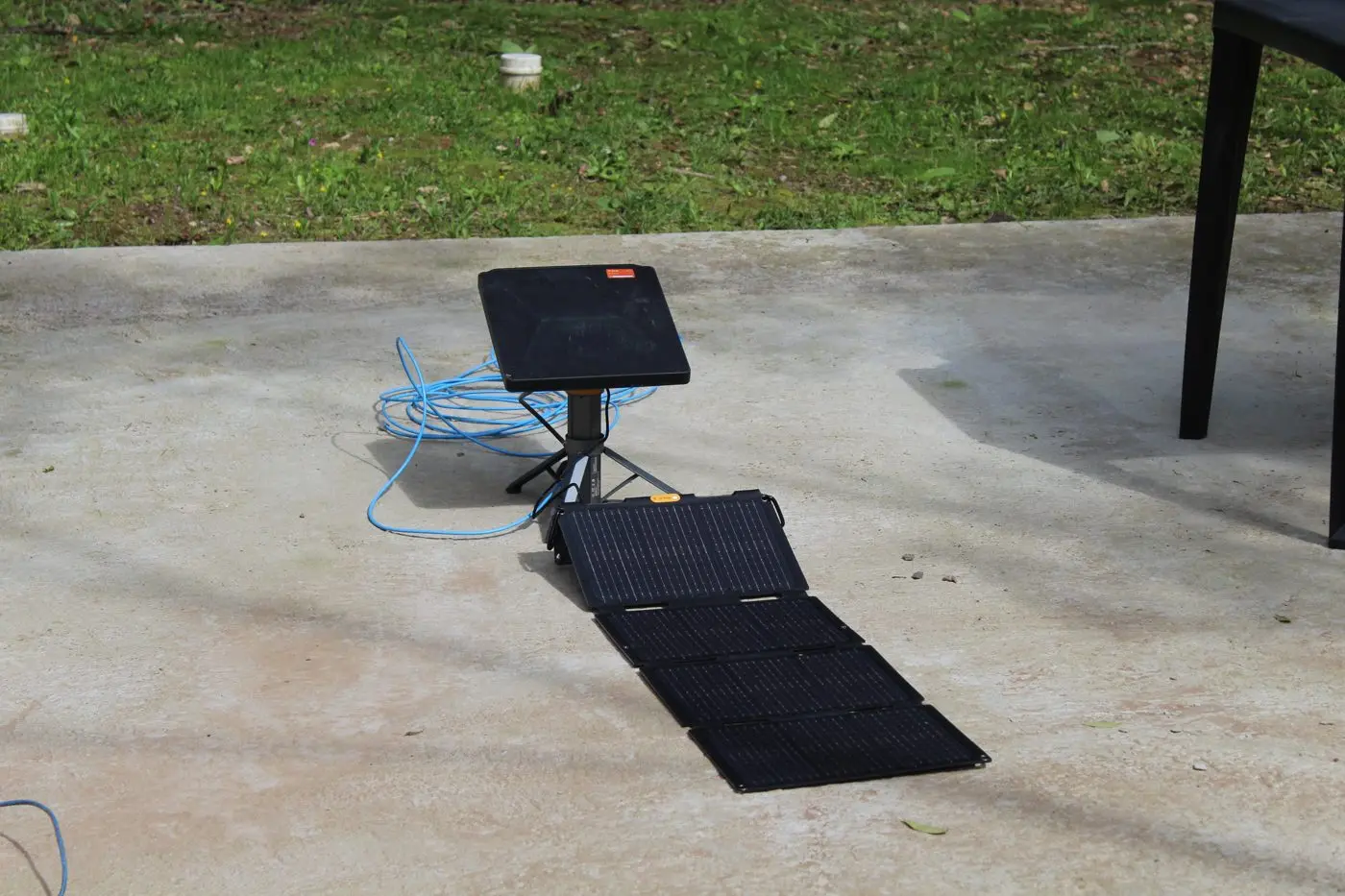
1. Choose the spot
- Look for a spot with open sky, away from trees, roofs and tall walls.
- Look up and imagine a wide cone above the antenna: the fewer things inside it, the better.
- Write down the spot you chose and why.
2. Set up the antenna
- Fit the antenna onto the stand or tripod.
- Keep the white face pointing at the sky. The antenna adjusts its own direction once it is switched on, following the guidance in the app.
- Secure the cable so nobody trips over it.
3. Connect a portable power source
- Connect the power cable to the source you chose.
- If you use a power bank, check that it has a 100 W USB-C PD output. In the field, a 100 W power bank with a 1-metre cable made the antenna switch on and off non-stop.
- Write down which source you used.
4. Wait for the connection and check the sky
- Open the manufacturer’s app on the phone and follow the connection.
- Use the app’s obstruction check to see whether anything is blocking the view of the sky.
- If there is an obstruction, move the antenna and repeat.
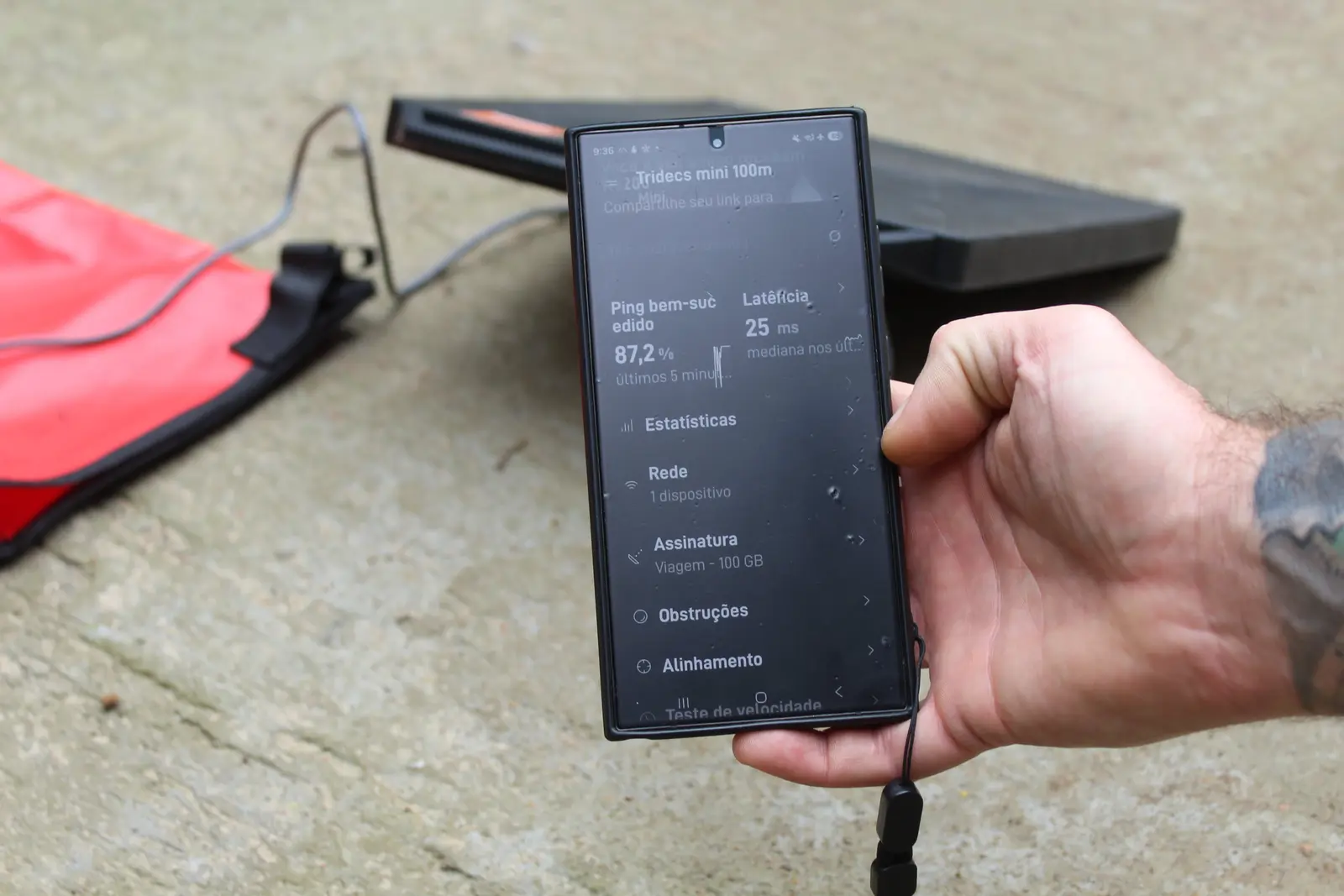
5. Get the internet to the phone
- Connect the phone to the antenna’s own Wi-Fi network.
- Open any web page.
- If it works, the connection is ready. Write down that it worked.
6. Switch off and pack away
- Switch off the power source and disconnect the cable.
- Store the antenna and cables dry, in their cover or in a dry bag.
What did you learn?
You set up the Base’s link to the outside world: you chose a spot with open sky, connected the antenna to a portable power source and confirmed the internet. In the field, this is the first layer to be switched on, together with power. After it comes the Wi-Fi network, which spreads the internet to the phones around.