This section contains direct instructions for completing specific tasks. Unlike tutorials, you don’t need to follow a full sequence here, just go directly to what you need.
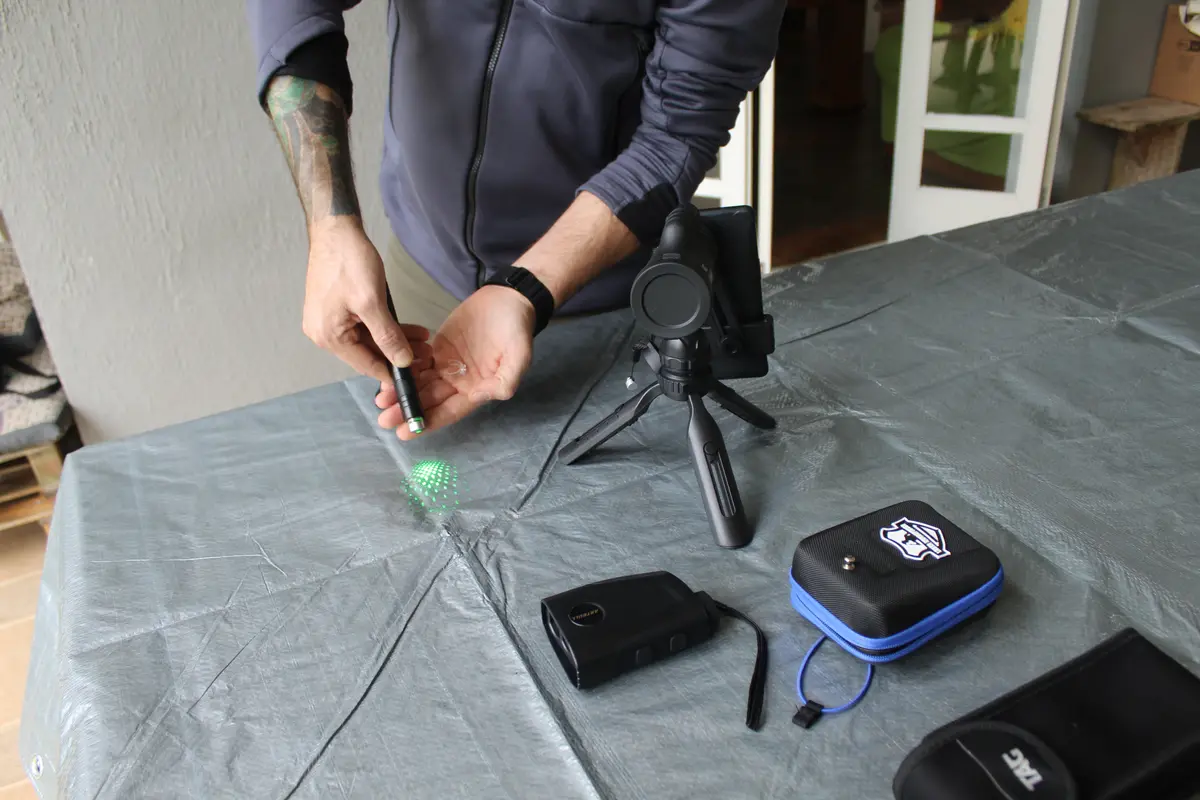
How to check line of sight before installing an access point
A step-by-step check of about 15 minutes to decide whether a spot can host a Wi-Fi access point
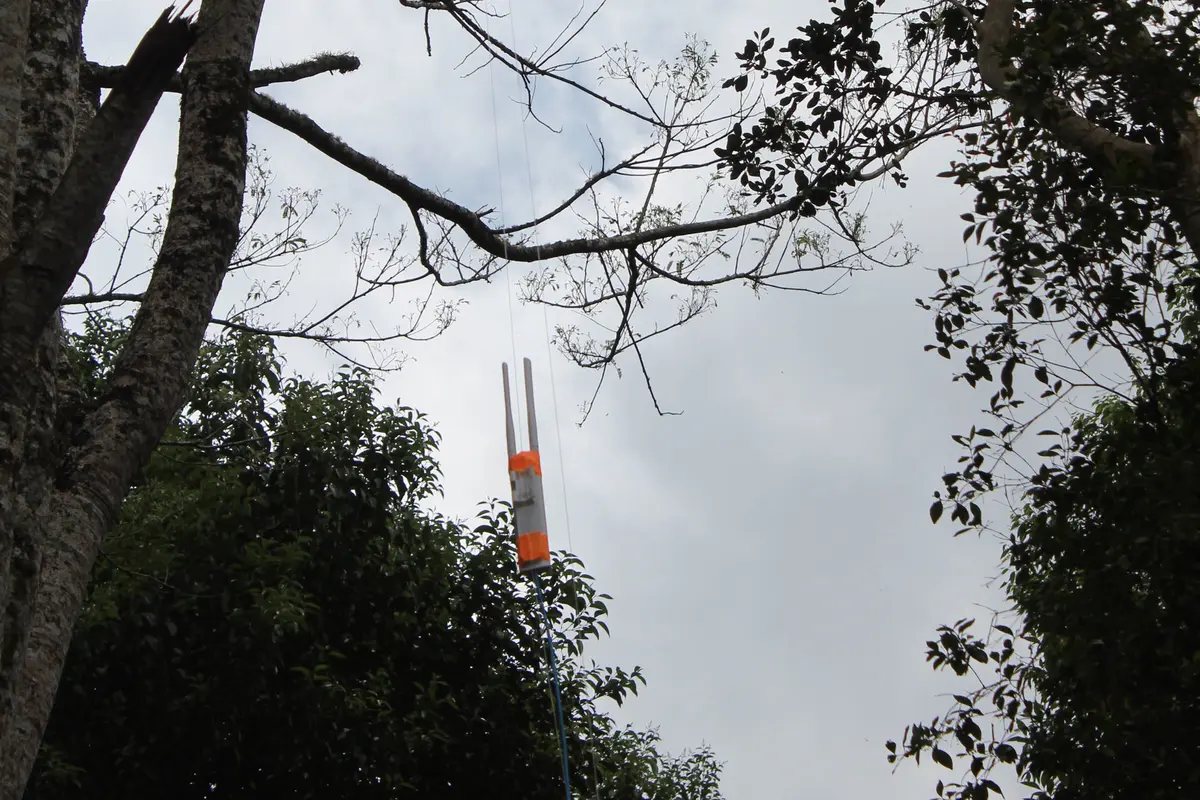
How to install an access point for the emergency network
Battery power, rain-proof mounting and hoisting the router into a tree, as we did in the RS field work
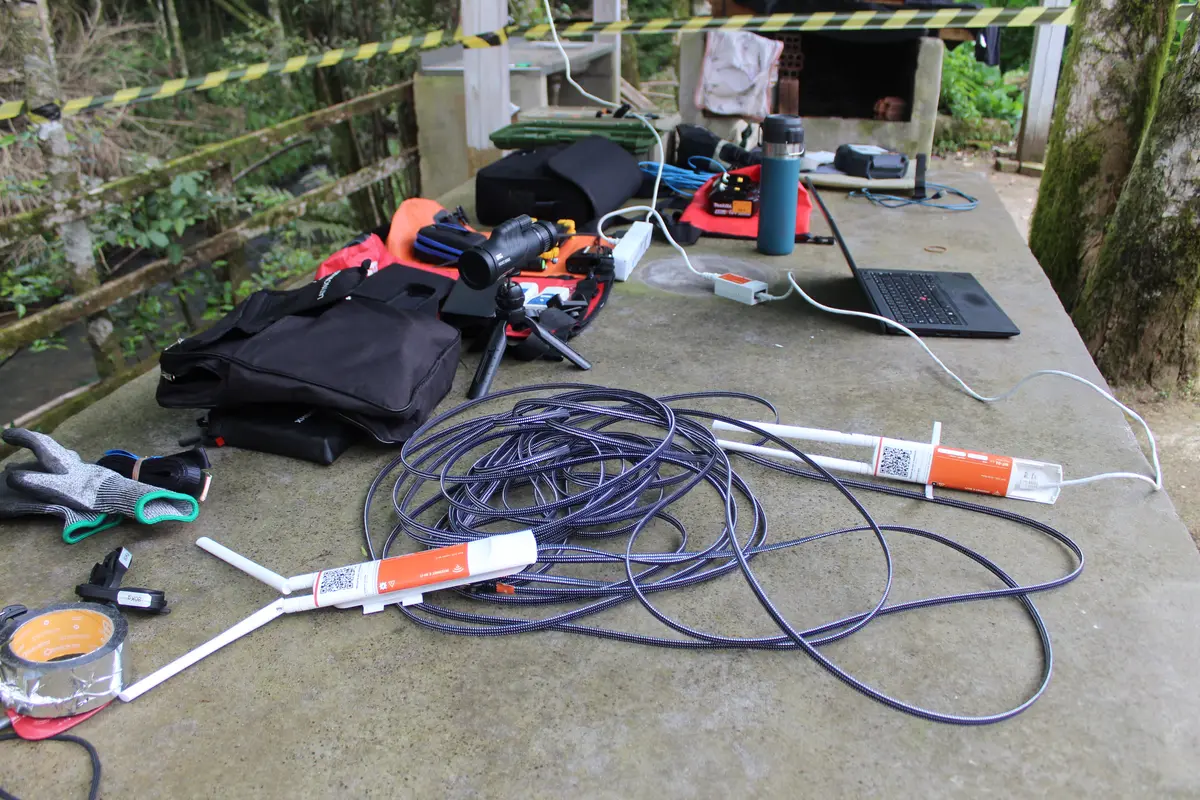
How to switch on and check the Wi-Fi network and portal in an emergency
The sequence for activating the emergency network at the Base, filling in the portal with the real details and checking that everything works
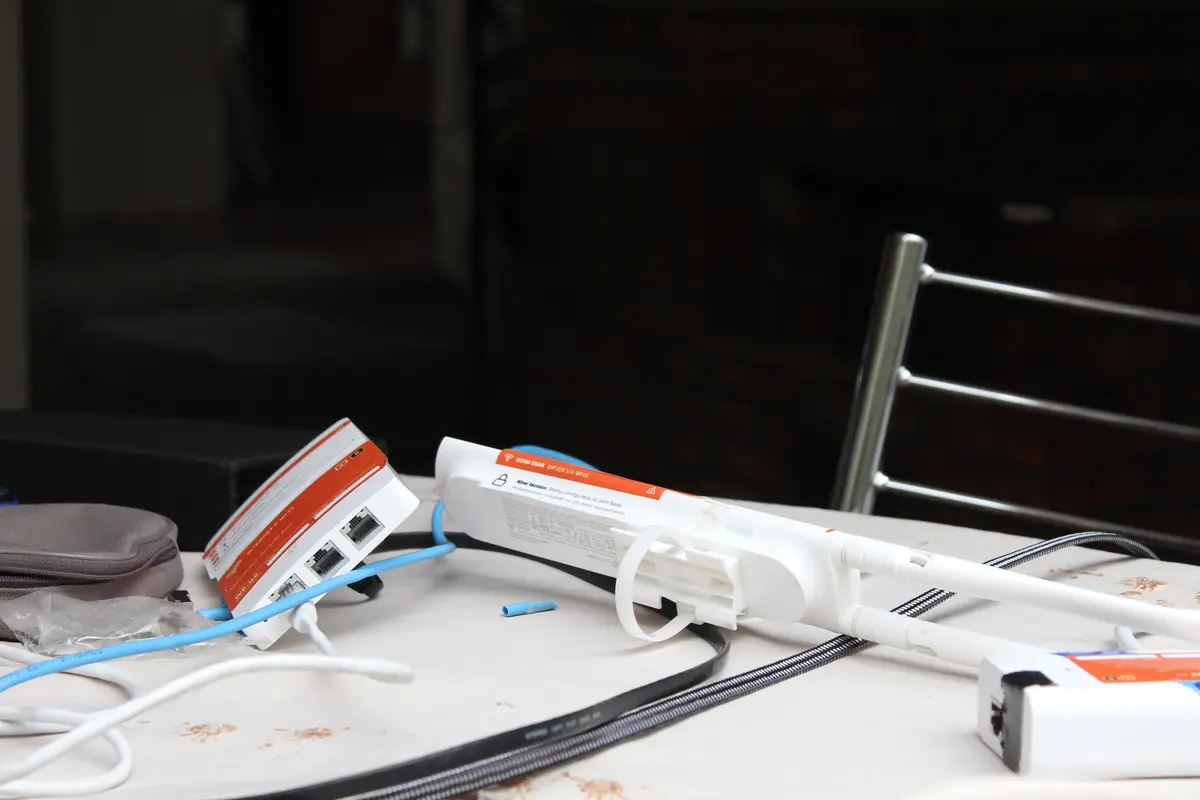
What to do when the network stops working
A step-by-step route to finding the cause when the emergency network or the satellite internet fails, from the power supply to the phone
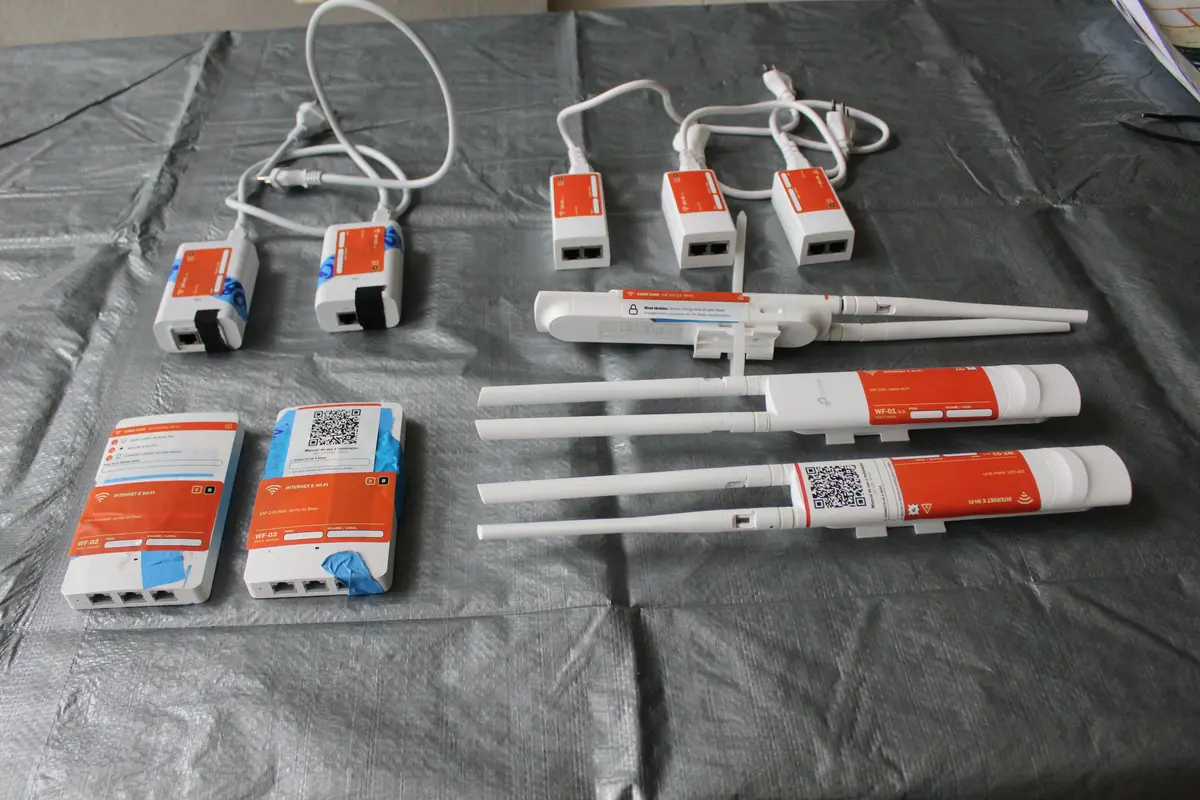
How to flash and update the kit firmware
Download the image and check the checksum, replace the EAP225-Outdoor factory firmware, check that everything works and update later through LiMe-App, LuCI or the terminal